Start with a quick overview of this makeup roundup, highlighting why they're must-try items. Entice the reader to keep reading by sharing how this routine can transform their everyday style or give them confidence for special occasions. Bold your keyword once here.
Jump to:
- what i look for in makeup
- products you need
- Instructions (layout 1)
- Instructions (layout 2)
- pro tip
- makeup Substitutions
- top tips
- Tools & Equipment
- FAQ
- Related
- pair this with
- This is an H2
- Fractions
- Acronyms
- Unordered List
- Unordered List with Feast+ List Icon
- Ordered List
- Buttons
- Breadcrumb
- Categories
- Optimized for ads
- To do:
what i look for in makeup
- Effortless Glow: It creates a polished, radiant finish without feeling heavy.
- Versatile Style: Perfect for both everyday wear and dressier occasions.
- Budget-Friendly: You don’t need a drawer full of products—just the right essentials used the right way.
products you need
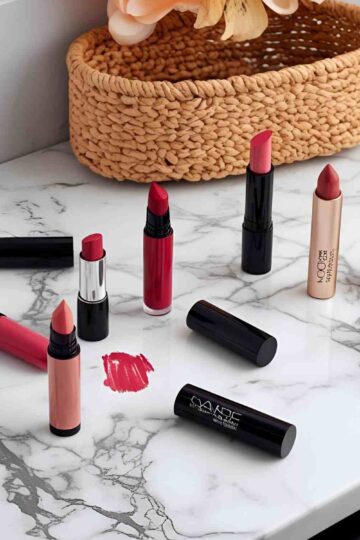
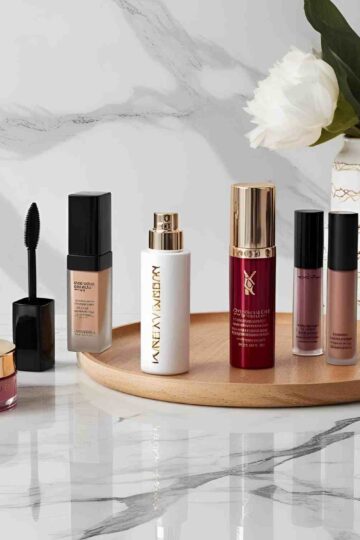
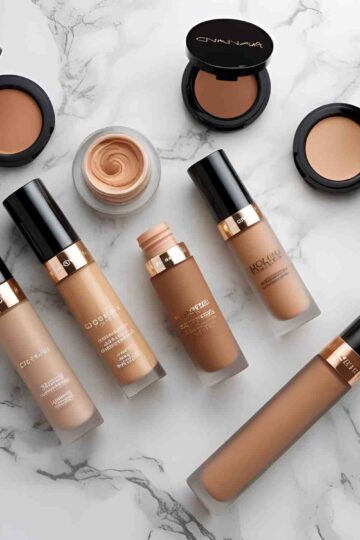
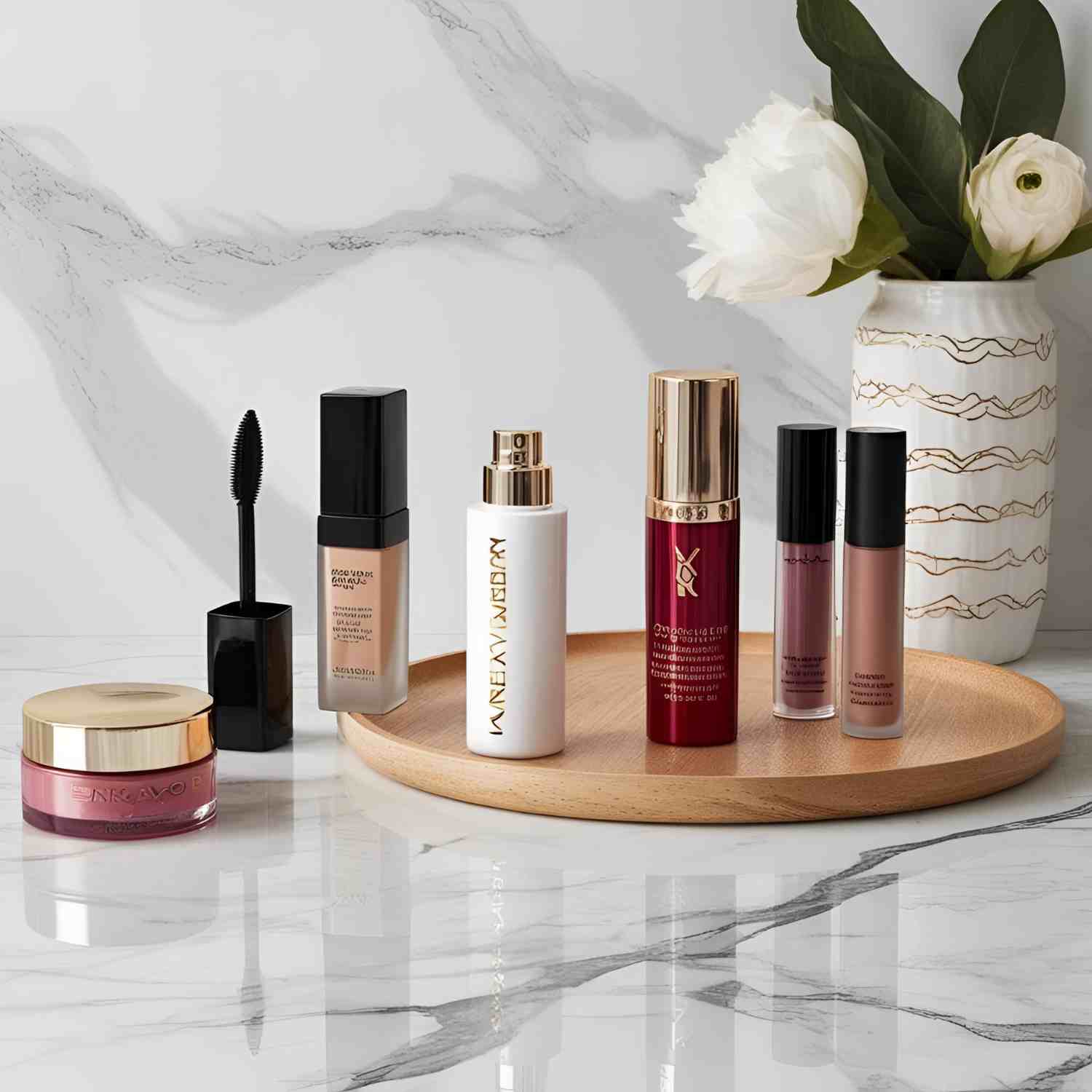
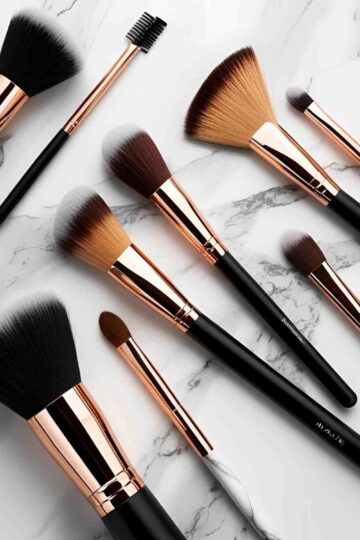
Use a clean, styled photo of the makeup products laid out neatly. Add a short paragraph explaining why these products were chosen and how they impact the final look.
- Foundation or tinted moisturizer
- Concealer
- Setting powder
- Blush
- Highlighter
- Mascara
- Lip product
Instructions (layout 1)
Pair each step with photos of the application process.
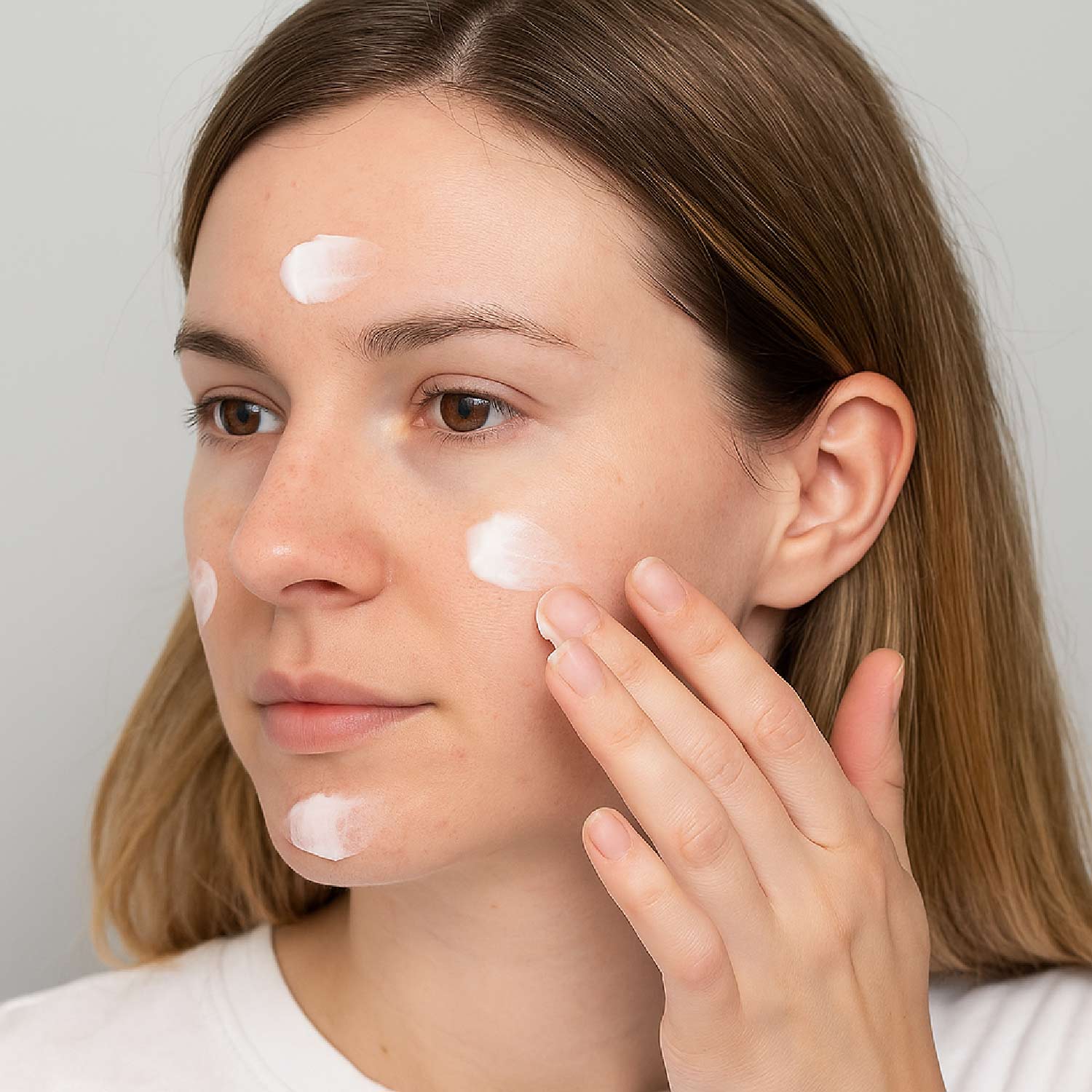
- Step 1: Prep your skin with moisturizer and primer for a smooth base.
- Step 2: Apply foundation or tinted moisturizer evenly. Use a sponge or brush for the most natural finish.
- Step 3: Brighten under the eyes and conceal blemishes with concealer. Blend well.
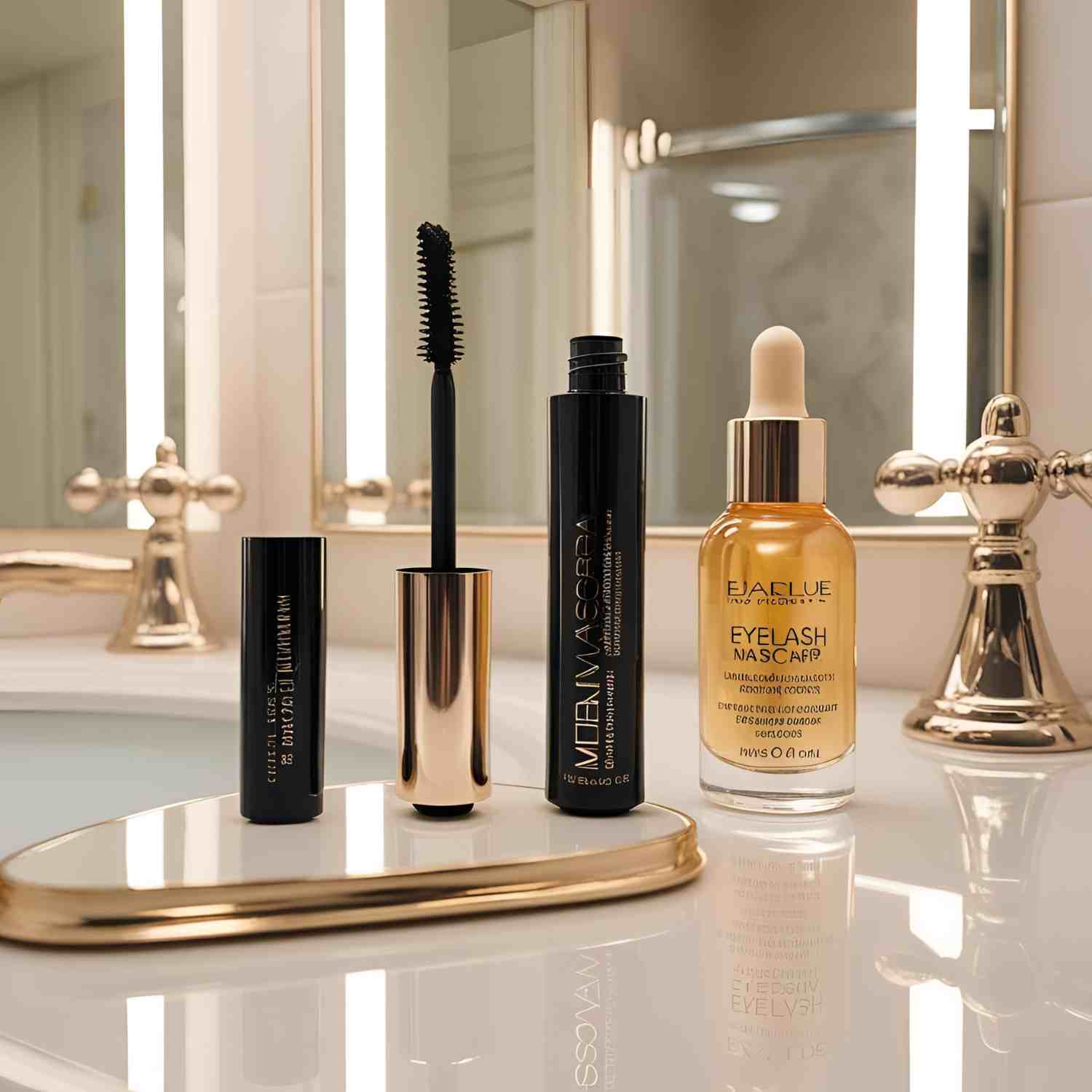
- Step 4: Add mascara and lightly set everything with powder to prevent shine.
Instructions (layout 2)

product name here
You can use this block for step by steps of tutorials or even as affiliate links to link your top product recommendation.
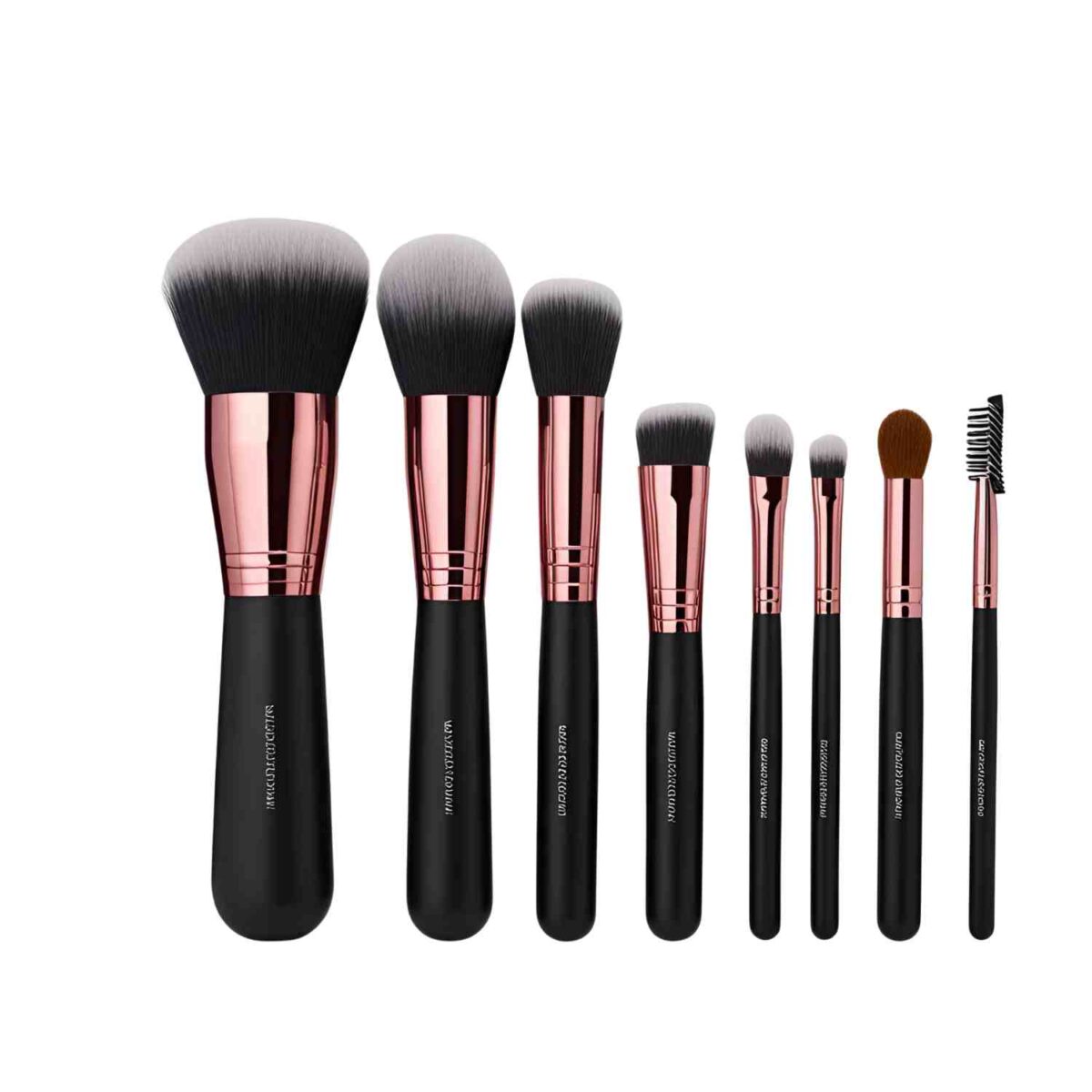
product name here
You can use this block for step by steps of tutorials or even as affiliate links to link your top product recommendation.
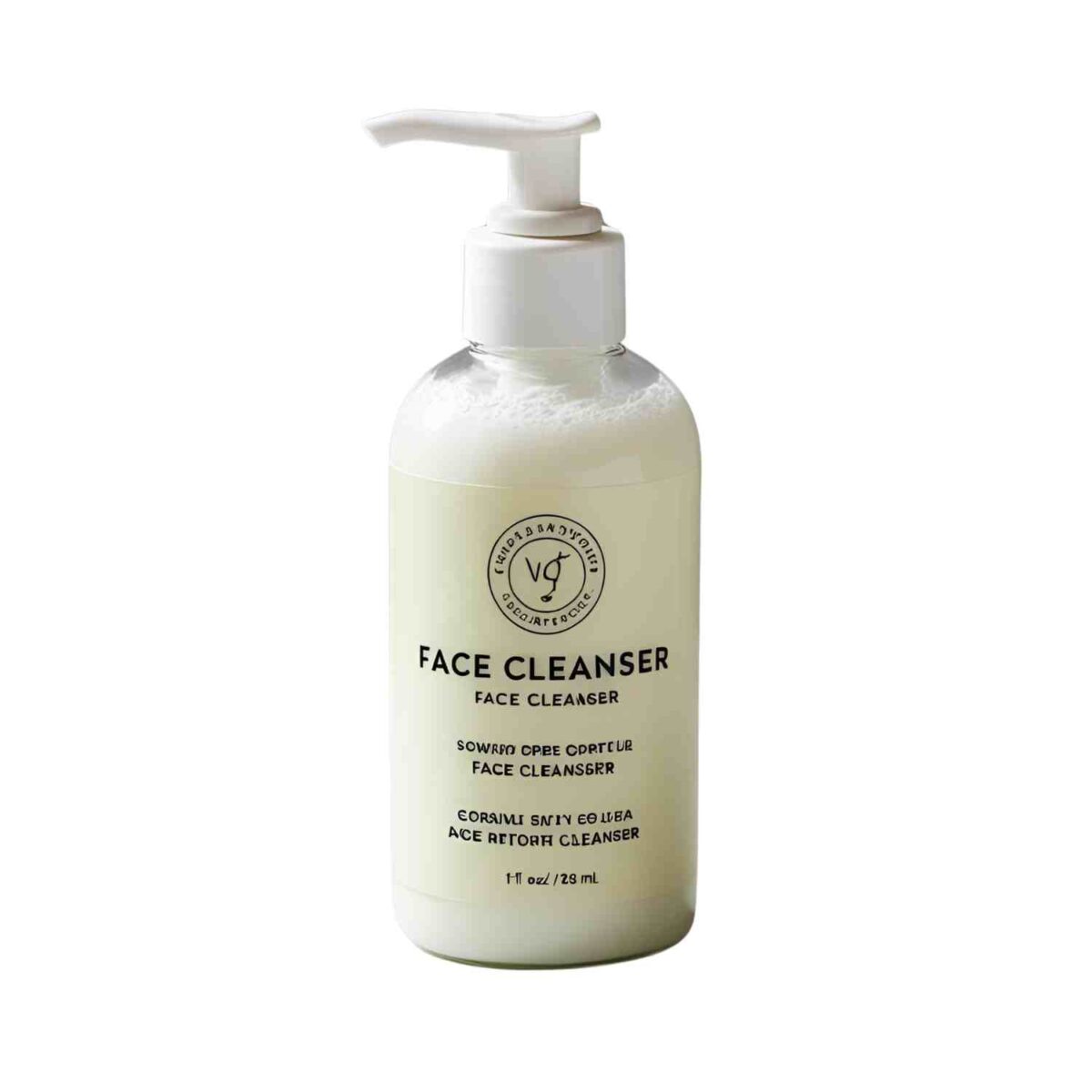
product name here
You can use this block for step by steps of tutorials or even as affiliate links to link your top product recommendation.
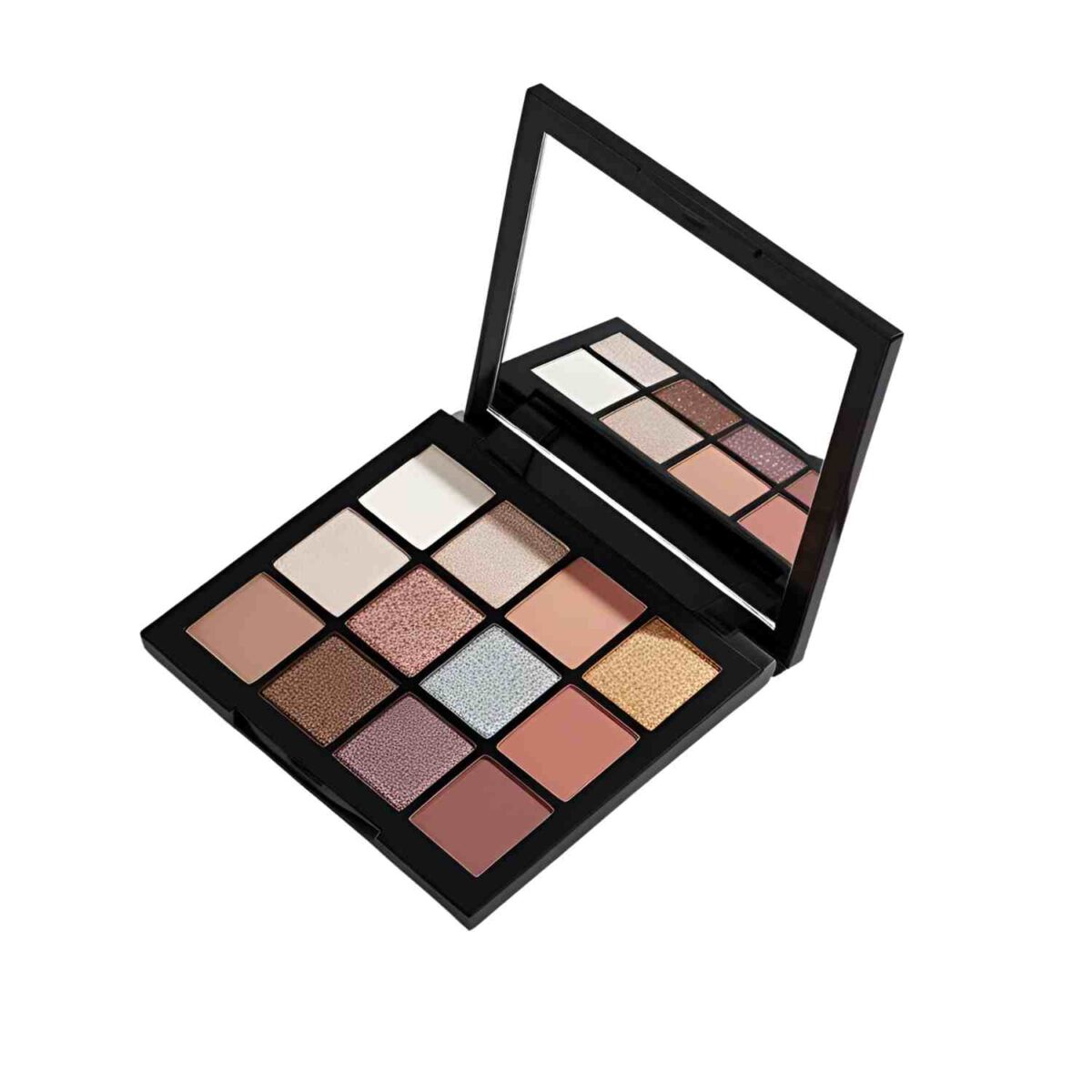
product name here
You can use this block for step by steps of tutorials or even as affiliate links to link your top product recommendation.
Remember that image SEO is important: file names should reflect the tutorial + step they represent. Only use alt text as a screen reader description. Do not use captions.
Hint: leave a useful hint here, like let the foundation set for 4-5 minutes. I like to use this soft makeup brush (affiliate link) for cleaning the grill.
pro tip
Keep a damp blending sponge nearby—it helps melt makeup into the skin for a natural, skin-like finish.
Featuring a user review of this tutorial in the content helps to provide social proof to readers that the tutorial is tried, testing and true.
makeup Substitutions
Offer alternatives for different needs or preferences.
- Everyday Natural: Stick with neutral tones and a tinted balm.
- Romantic Glow: Add pink blush and glossy lips.
- Bold Glam: Go for sculpted contour, dramatic highlight, and a statement lip.lush for a two-in-one product.
top tips
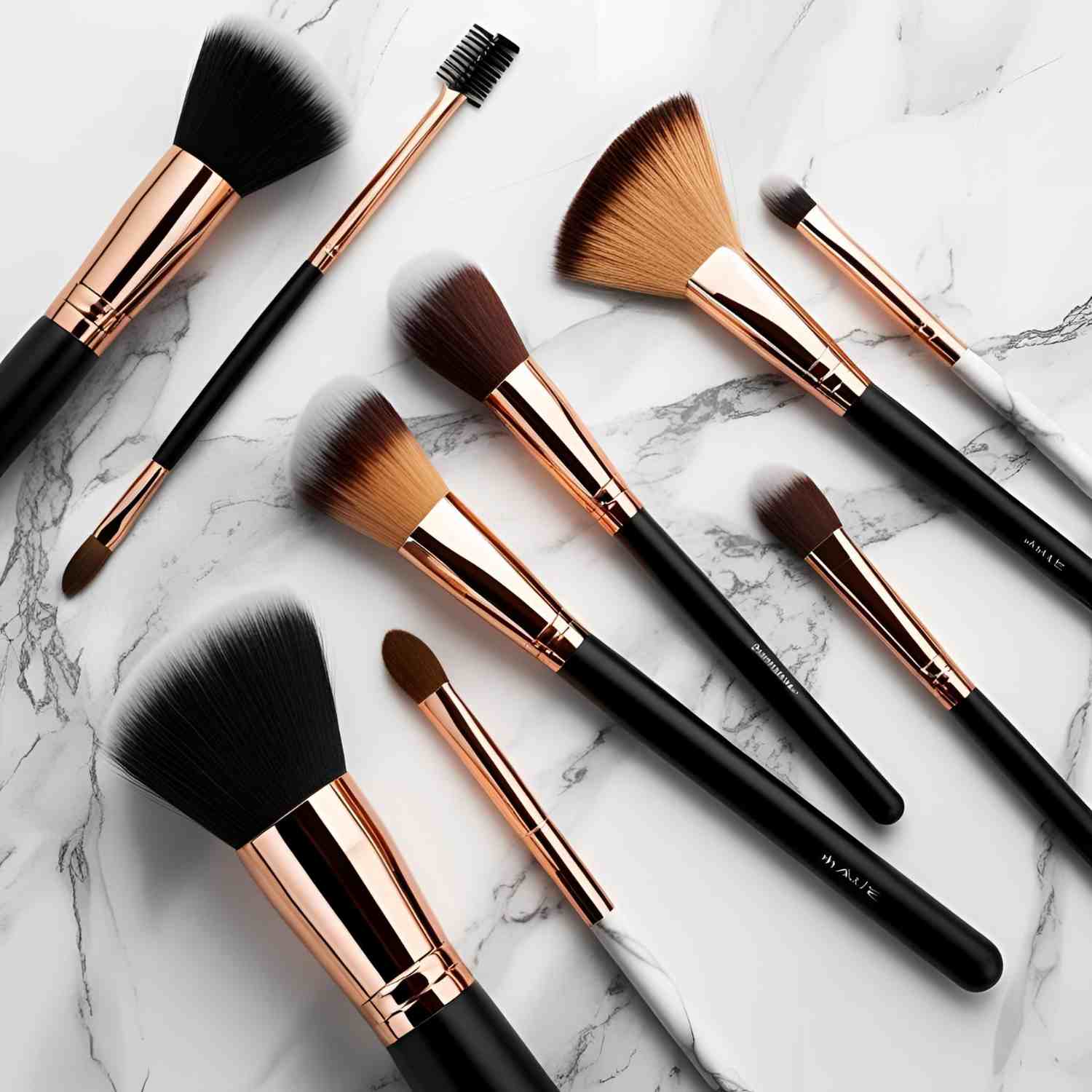
The tools you use make a difference. A sponge gives a seamless base, while a fluffy brush creates a softer finish.
List the brushes or sponges you recommend and how readers can adapt if they don’t have them.
Tools & Equipment
The tools you use can change the outcome. For example, using a red light mask helps smooth the skin.
Tell your visitors what equipment you use and how to adjust the project if they use something different, and link to your affiliate link to purchase the item.
FAQ
Enable the Feast Plugins Yoast FAQ toggle for an interactive question & answer section!
Visit the search results to see which questions come up under the People Also Ask section for your primary keyword, and answer them here.
Visit the search results to see which questions come up under the People Also Ask section for your primary keyword, and answer them here.
Visit the search results to see which questions come up under the People Also Ask section for your primary keyword, and answer them here.
Related
Looking for other tutorials like this? Try these:
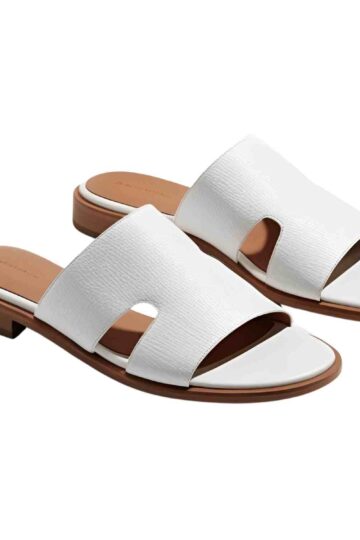
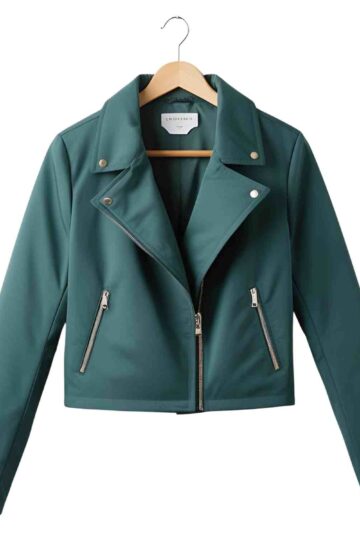
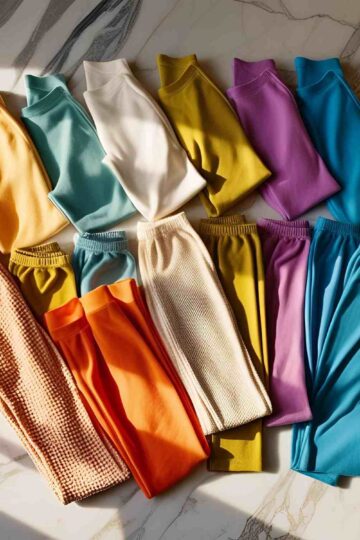
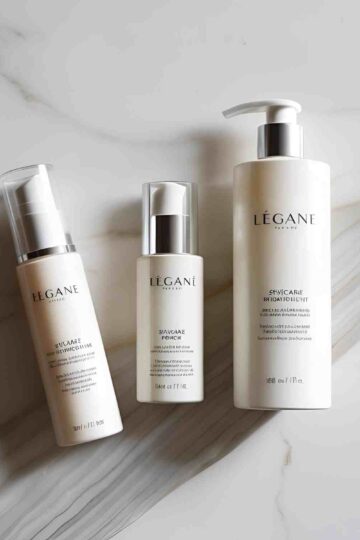
pair this with
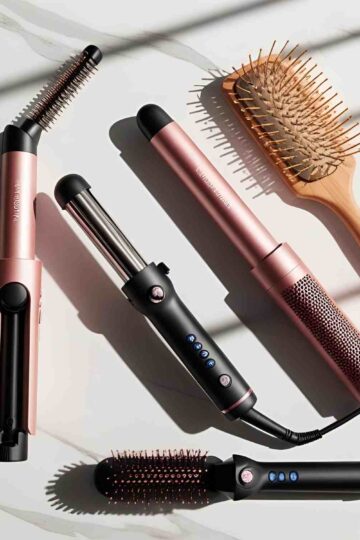
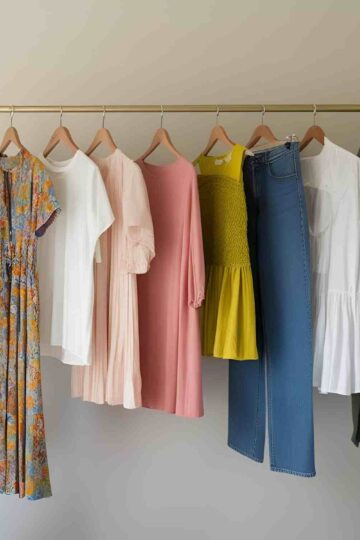
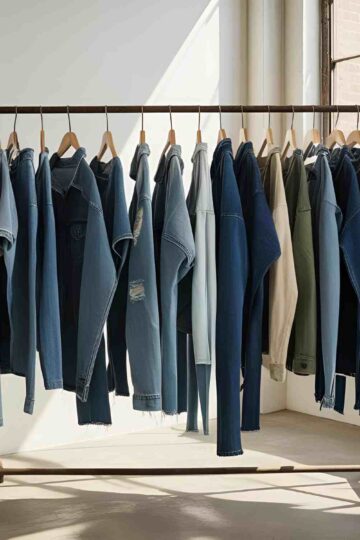
Here are a few complementary outfits you can wear with this look:
This is an H2
Most of your content should be contained in H2 subheadings. Body font is set to 16px by default on all themes.
For more details, see this blog post.
This is an H3
H3 can be used to sub-categorize your content under H2 headings.
This is an H4
No real application for h4 outside of technical and legal documents.
This is an H5
No real application for h5 outside of technical and legal documents.
This is an H6
No real application for h6 outside of technical and legal documents.
Fractions
The Feast Plugin contains an enhancement to convert text-based characters to fractions, so that you get ½ instead of 1 / 2 and ¼ instead of 1 / 4.
- ½
- ⅓
- ¼
- ⅔
- ¾
- ⅕
- ⅖
- ⅗
- ⅘
- ⅙
- ⅚
- ⅞
- ⅛
- ⅜
- ⅝
Note that when using custom or Google Fonts, not all fonts contain the necessary fractions.
Acronyms
While we know it's unlikely to be used on style sites, the Feast Plugin contains an enhancement to convert recipe acronyms to improve screen reader accessibility, so that it reads the word teaspoon instead of "tee ess pee" and tablespoon instead of "tee bee ess pee".
Unordered List
- This is an unordered list block
- This is the second item in the list
- Use unordered lists to create lists in which the sequence isn't important
Unordered List with Feast+ List Icon
- This is an unordered list block
- This is the second item in the list
- Use unordered lists to create lists in which the sequence isn't important
Ordered List
- This is an ordered list block
- It's good to itemize sequential steps or items in an ordered list
- Using lists to break up your content and make it easier to parse is a good user-experience practice
Buttons
Buttons can be used on pages as a call-to-action to get visitors to subscribe, purchase, or engage in some way.
Breadcrumb
The Feast Plugin contains upgrade integrations with Yoast, making adding the breadcrumb simple. It also comes with the ability to:
- add a custom "project index" page
- remove the current page title from the breadcrumbs, to avoid duplication
- hide breadcrumbs on pages without a parent
The Feast Plugins Settings page also contains reminder to properly configure Yoast if they're not set up according to best practices.
Categories
The "Primary" category set in Yoast is what is used for the breadcrumbs up top, as well as the Modern Previous + Next feature.
Optimize your categories by turning them into full landing pages using the Custom Categories block editor integration.
Use the Feast Plugins Scheduled Categories feature to improve your user experience, by automatically displaying posts from specific categories during the right season or holiday.
Optimized for ads
Combining the Feast Plugin with one of our themes integrates technology for improved viewability, more potential ad layouts that lead to higher bids, and higher revenue for you.
To do:
Before publishing, complete this checklist, deleting the list items as you complete them:
- All images have alt tags
- Content is on-topic (minimal or no personal stories)
- You've manually linked to related posts in the content (try to do this naturally, not as a separate list of links)
- The "related" block is has a category or primary tutorial type set
- The "pairing" section has projects to be paired with this
- Yoast meta description filled out (best practice)
- The Yoast primary category has been set
- Featured image has been set (1200x1200, JPG)
- Hidden pin has been set
- Clarify any intermediate or advanced techniques - not everybody has your experience.
- For Recipe Sites: Check your recipe schema has been fully filled out at https://search.google.com/test/rich-results (after publishing)
- For Recipe Sites: Check https://developers.google.com/speed/pagespeed/insights/ to make sure this recipe has enough content above-the-fold to cause images to lazyload (after publishing)